Welcome to a new post!
As usual, I have momentarily paused the development of Media Tracker to focus on something new. My intention is to finish it, but first I would like to create a specific Hugo theme so that anyone can easily implement it.
Today I bring you a short but functional project that I really wanted to materialize.
The Problem
As I mentioned in previous posts, I maintain a Jellyfin instance on my home server. At first, it’s rewarding to see how the library grows, but over time it becomes a visual chaos that is difficult to manage.
I share the server with several family members and there is a lot of content that some are interested in and others are not. Currently, Jellyfin does not allow hiding items per user manually, although this may change in the future.
After researching, I saw two options: separate the content into multiple libraries (which creates more clutter) or use tags to restrict access for certain users. The latter is the ideal solution for now, but it has a drawback: Jellyfin doesn’t allow bulk editing of tags. Going one by one (for example, as I do now with the anime tag) is a slow and tedious process when you want to organize hundreds of items.
The Solution: Jellytags
To solve this, I decided to develop a web application that takes advantage of the Jellyfin API. This is how Jellytags was born, an open source project developed in just two days.

christt105/jellytags
Website to batch edit tags in Jellyfin
Tech Stack
I was looking for something simple and modern that fit my current skills:
Although I could have done it with pure HTML and JavaScript, I wanted to experiment with Vite and TypeScript. Using the official Jellyfin SDK for TypeScript greatly facilitated API requests. Finally, everything is packaged into a Docker image so that any user can deploy it in seconds.
Result
The web app is minimalist and efficient. It consists of only three files (index.html, main.ts, and style.css), keeping complexity to a minimum. A large part of the visual finish and the speed of development is thanks to AI assistance.
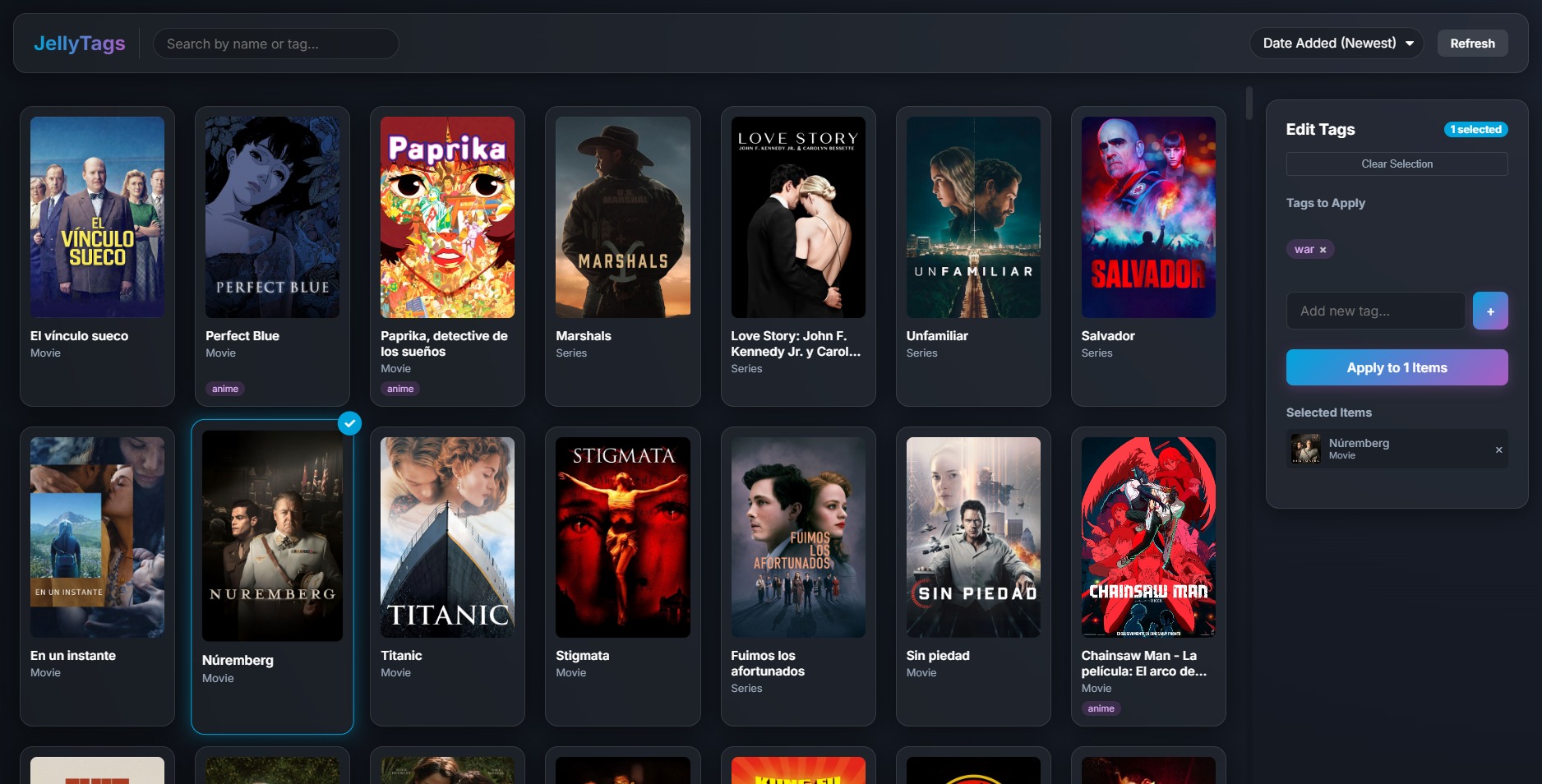
The interface is divided into three sections:
- Top bar: Item and tag search, sort selector, and refresh button.
- Main panel (left): List of movies and series with their type and current tags, ready to be selected.
- Control panel (right): Selection management and tools to add or clear tags massively.
Mobile Optimization
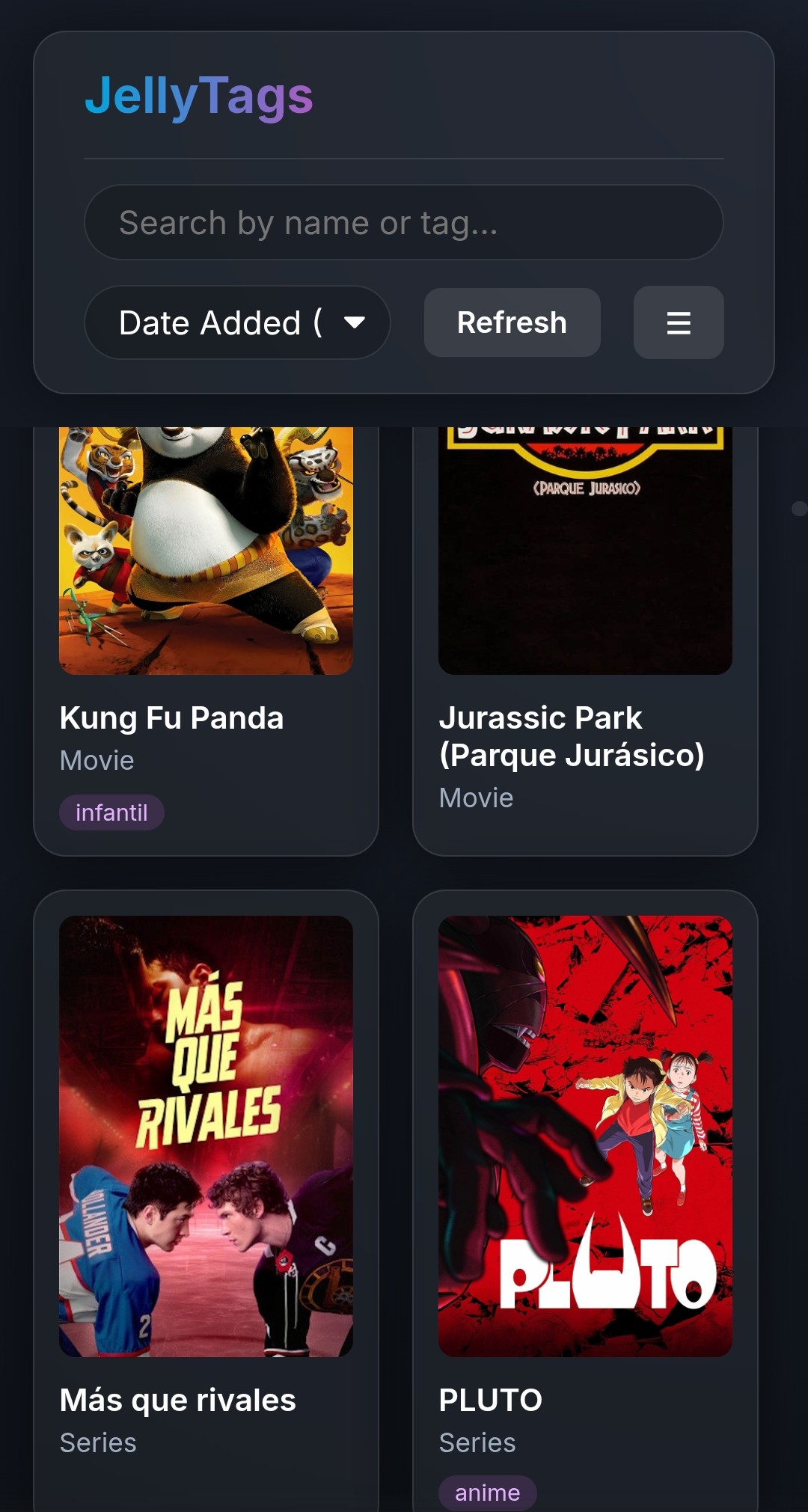
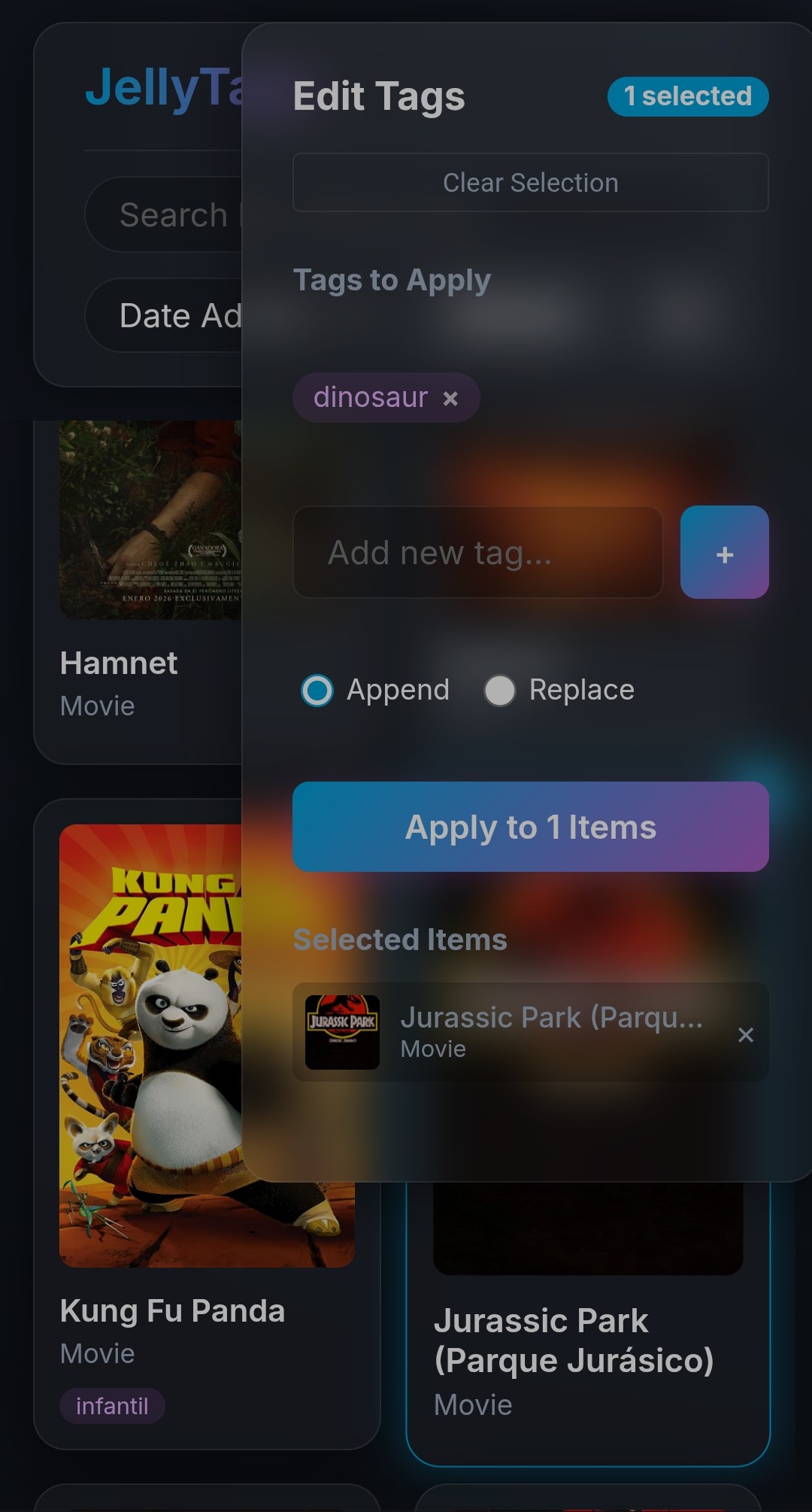
It was essential that the website was functional from a mobile phone, and the result is decent:
Deployment
To make the project useful to the community, I have set up a workflow in GitHub Actions. Every time I release a version tag (e.g. v1.0.0), an image is automatically generated on Docker Hub.
To install it on your server, you only need a docker-compose.yml file:
| |
Simply run docker compose up -d to have Jellytags running at http://your-local-ip:8181.
Conclusion
This has been a short and straightforward post, which is how I think most of them should be.
I hope you find Jellytags useful. The project is completely free and open to contributions on GitHub. If you find any bug, don’t hesitate to open an issue. A “like” on the repository or a comment down below is very much appreciated.
Until next time!