Hello again!
Today I bring you a slightly different post, focused on operating systems and how sometimes you try to do a favor by installing Linux for your family and things don’t turn out as you expected. Yes, today it’s time to talk about a small failure.
I installed Zorin OS for my stepfather because he couldn’t remember his Windows password and, for what he was going to use it for, honestly Linux should have worked fine for him.
I was quite tired of Microsoft, so I also installed it on my partner’s laptop. I had been using Kubuntu on my desktop PC for a long time but, honestly, I barely used it; when I finished working, I just kept using my work computer for my personal stuff. She only uses the laptop for Calibre, and I use it to mess around while on the couch: managing the home server, programming projects, etc. With Windows 11, my partner’s laptop was running pretty poorly, and since it only had a single user account, everything was mixed up: if I clicked a link, Opera would open when I use Brave. We needed separate user accounts and something much lighter.
Zorin OS to the Rescue
First, I installed Zorin OS on my stepfather’s computer, as I had read several times that it had a lot of downloads and people were happy because it looked a lot like Windows. Since I wanted minimal friction, I just installed Zorin OS and that was it.
Right after turning it on, I ran into some issues, with the wifi if I remember correctly. The problem is that the wifi card is somewhat modern and incompatible, specifically a MediaTek MT7902. I managed to solve it with a workaround from someone who made a script, and since then I didn’t pay much attention to it.
I really liked how it looked, and one day when my partner was away, I installed Zorin OS on her laptop too. I think for a laptop Gnome feels really good, and being a distro based on Ubuntu, it usually works fine for most people. I set everything up, created both user accounts, installed Calibre, Telegram, WhatsApp, Discord, Obsidian, Syncthing, VS Code, and a Git client. I added my SSH key for the mini PC and everything was up and running.
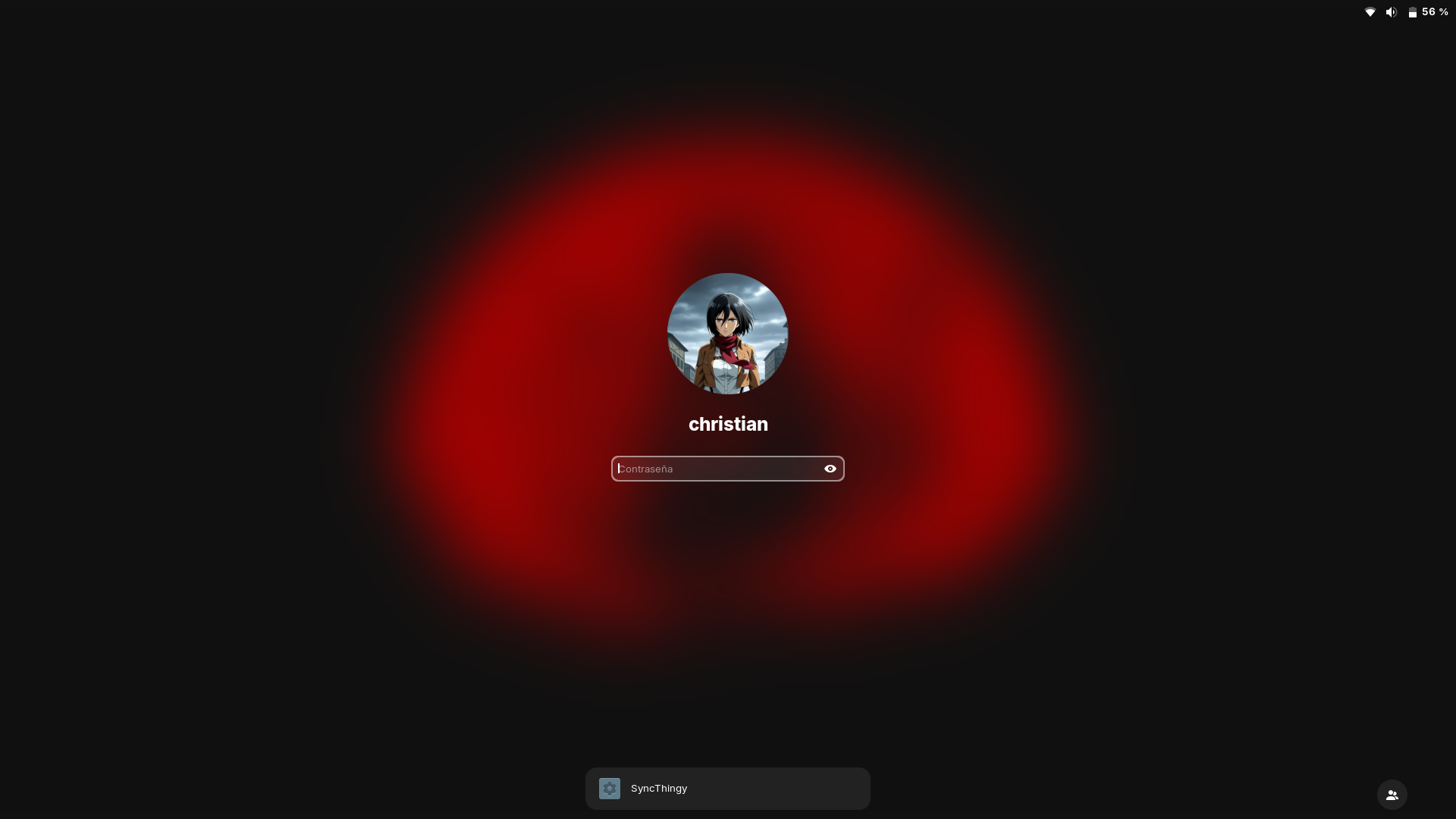
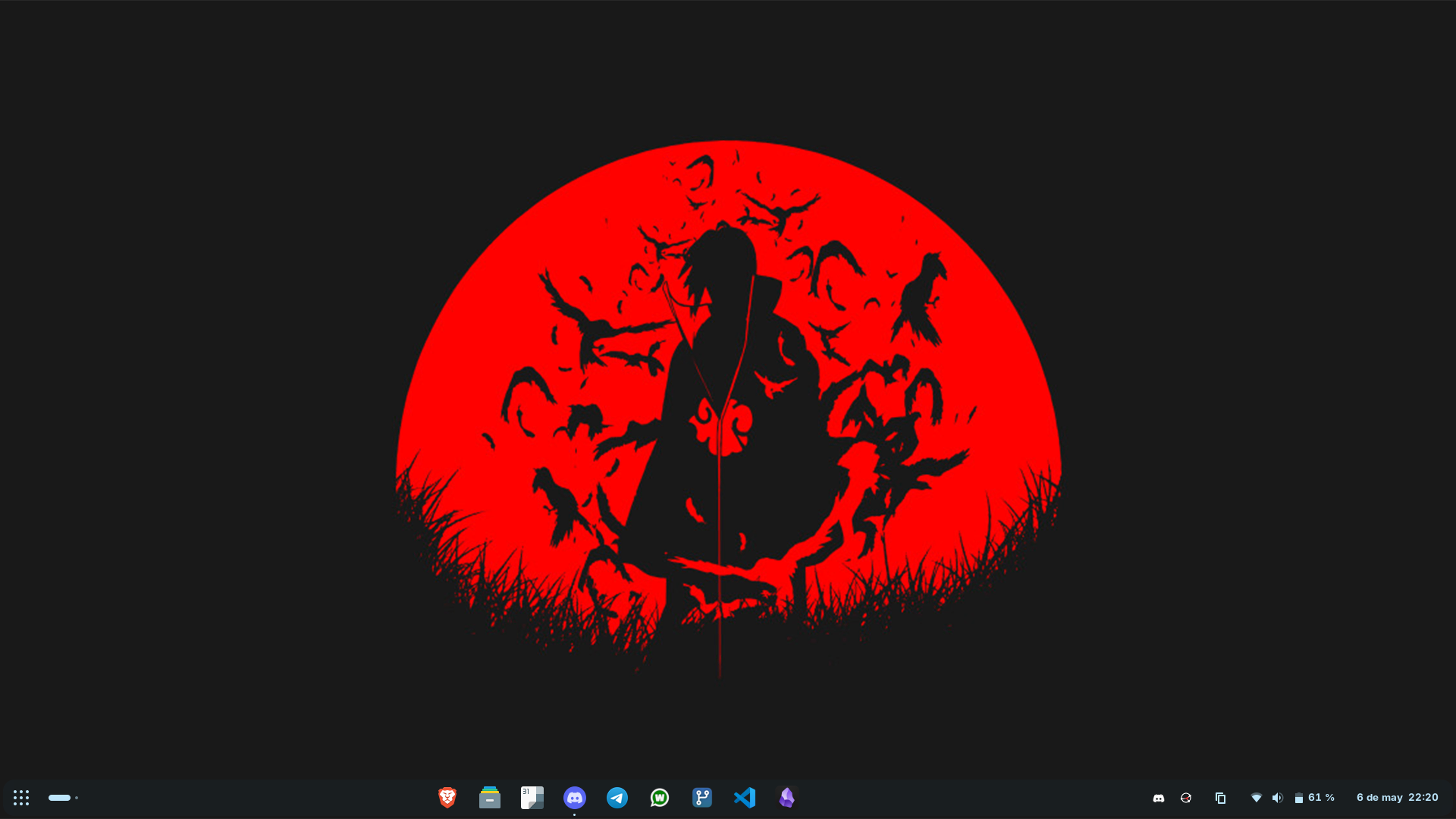
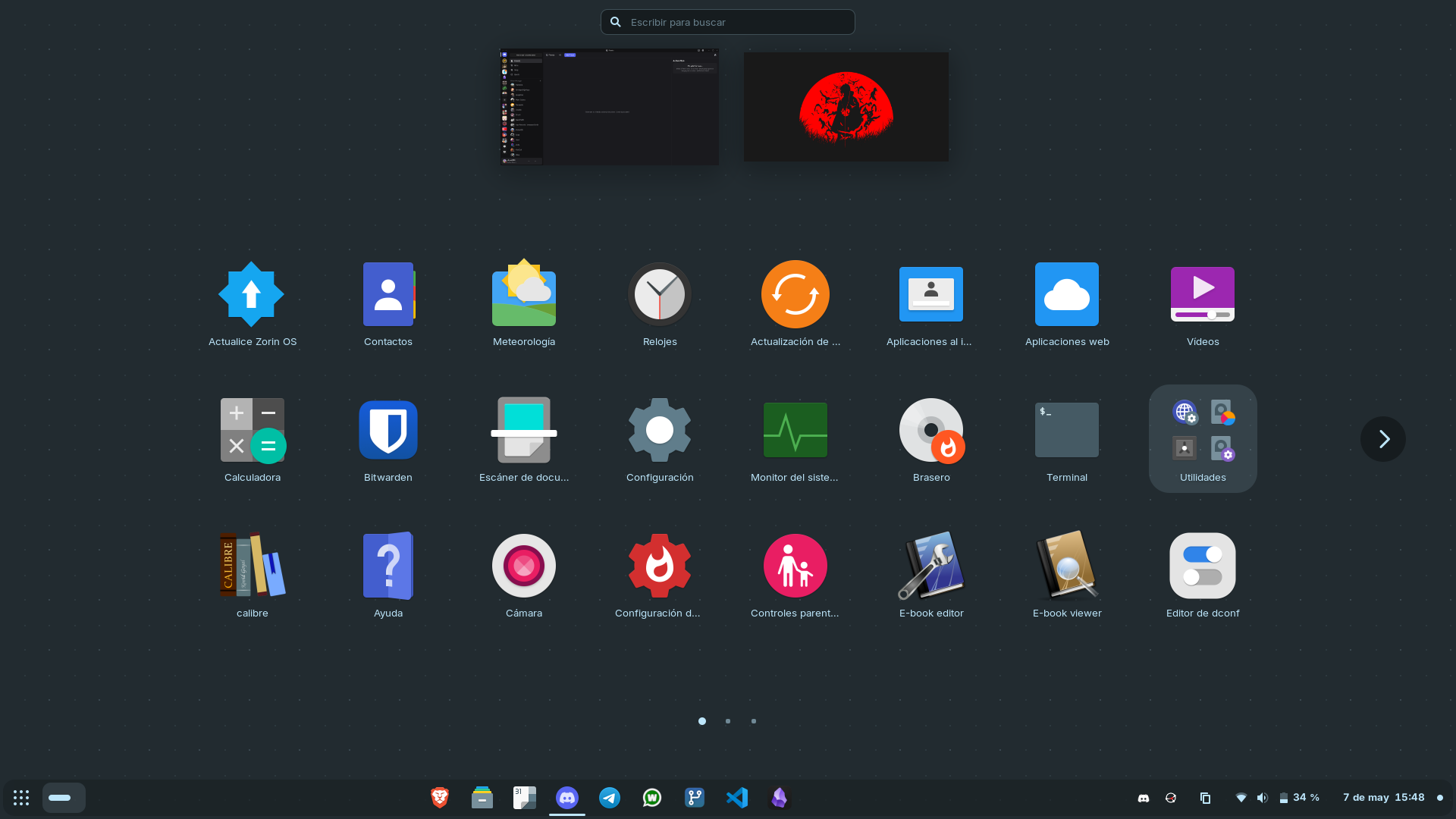
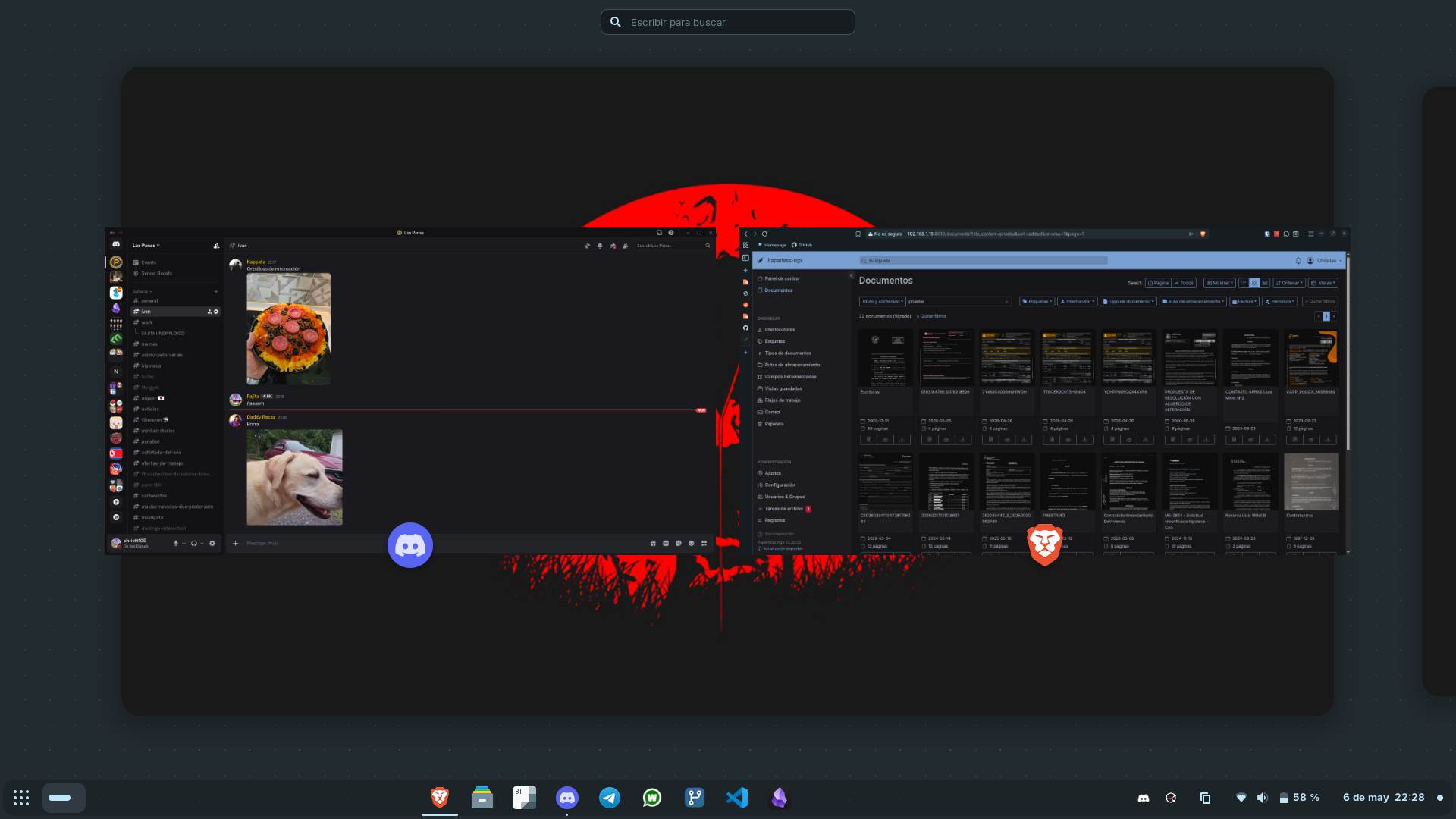
My partner wasn’t very thrilled at first, but since she barely touches the laptop, it’s better organized this way. Plus, I can maintain it much more comfortably; she never updates anything, and with the Linux package manager and the app store, everything is super convenient.
Everyday Quirks
I spent a few days testing it afterwards. While it’s true that it takes longer to boot (since Windows never really shuts down completely in a direct way), everything else is very fluid. The trackpad gestures worked smoothly and I could use it comfortably. That said, I did have a few issues; not everything was perfect.
Scrolling with the trackpad was way too fast. If you scrolled a bit with two fingers, it jumped a huge distance. I ended up fixing it by tweaking a couple of settings.
On the other hand, while trying to debug a project I have on my hands, the computer would freeze and end up rebooting. The problem is that the laptop has 8 GB of RAM (which feels almost like a relic nowadays) and it falls very short for certain tasks and the number of tabs I usually have open. This, combined with the fact that the swap size was only 2 GB, made the system collapse and not know what to do. I increased the swap, and from then on, everything worked great.
Lastly, the keyboard layout in LibreOffice gave me a bit of a headache, but nothing unusable. And my partner complains about wanting to log in using the fingerprint reader, but it’s simply not possible because there are no drivers for that reader on Linux.
The Fall
Fast forward to the other day, when my stepfather called me saying his internet wasn’t working. And, sure enough, the wifi icon was nowhere to be found. I don’t know what happened, because I left it working perfectly; I’m not sure if some automatic update broke the script’s workaround.
Doing a bit of research, I found out they had already released an official driver for that card, but for version 7.1 of the Linux kernel, while Zorin OS is still on version 6.
Now I regret a bit having installed Zorin OS instead of Fedora, which would have been similar but with a much more up-to-date kernel that would probably support the wifi out of the box. Since I didn’t want to waste more time or cause my stepfather any more headaches, I told my brothers to install Windows 11 again and got it off my plate.
I prepared a USB with Windows 11 to install it again on my partner’s computer, since she had made some comments indicating she didn’t like it. I was going to do it, but I waited for her to be there to ask her, and she said no, to keep it for now and we’d see. So, on this side, it seems like a win.
Conclusions
That being said, it’s a small defeat, but I prefer it over making my family go through bad experiences with Linux.
As for me, I switched to PikaOS on my desktop and I’m very happy, though I might switch to the KDE version instead of Gnome. Regarding the laptop, I’ll probably end up trying Fedora, which gives me quite a bit of confidence.
Honestly, I’m happy with the current state of my devices at home. I know Linux isn’t perfect and I’m no expert, but I love the ecosystem and the open-source philosophy. At home, I now have my laptop, my home server, my Steam Deck, and my desktop running Linux, compared to my work laptop and my old work laptop running Windows. It’s a good ratio.
I’ll make another post diving deeper into how I have PikaOS configured, it’s a pretty nice distro.
See you in the next post!